3 min to read
Mapping Attack Paths Like a Threat Actor (Bloodhound)
How Threat Actors Navigate Complex Corporate Active Directory.

At first, I thought Red Teaming or Assumed Breach engagements were exhausting (having to manually enumerate computers in large corporate environments with hundreds, or even thousands, of hosts). But that assumption didn’t last long. BloodHound changed the game almost entirely.
This article should also help if you need a practical guide to installing BloodHound, especially when preparing for Red Team-focused certifications like OSCP, CRTP, PNPT, and more.
What does BloodHound actually do?
It allows us to map out which attack paths we need to take, identify interesting machines, determine which users are worth targeting, and highlight high-value assets that are worth exploring.
All of this can be done with nothing more than a single domain user account (even one with the lowest possible privileges). From there, we can uncover and visualize misconfiguration paths within Active Directory.
So, as a prerequisite, to run BloodHound you’ll need at least one compromised domain user.
Installation
So, what do we need to prepare? There are two main components.
- Ingestor, which is responsible for collecting Active Directory data such as machines, users, configurations, and other relevant objects.
- BloodHound itself, which is used to map and visualize the collected data.
BloodHound (Visualizer)
For the BloodHound visualizer, I’m using BloodHound Community Edition (CE), which is installed inside Docker using Docker Compose.
From here, we need to prepare a working directory to host the setup. In this case, I’m using a directory named bloodhound-docker. After that, download the Docker Compose file and deploy it.
mkdir ~/bloodhound-docker
cd ~/bloodhound-docker
wget "https://raw.githubusercontent.com/SpecterOps/bloodhound/main/examples/docker-compose/docker-compose.yml"
sudo docker compose up -d --build
We can retrieve the default credentials generated during the initial installation by running the command below.
sudo docker compose logs | grep "Initial Password Set"

Then, log in with the admin username and the password generated during installation.
To access BloodHound, you can simply open your browser and navigate to http://localhost:8080.
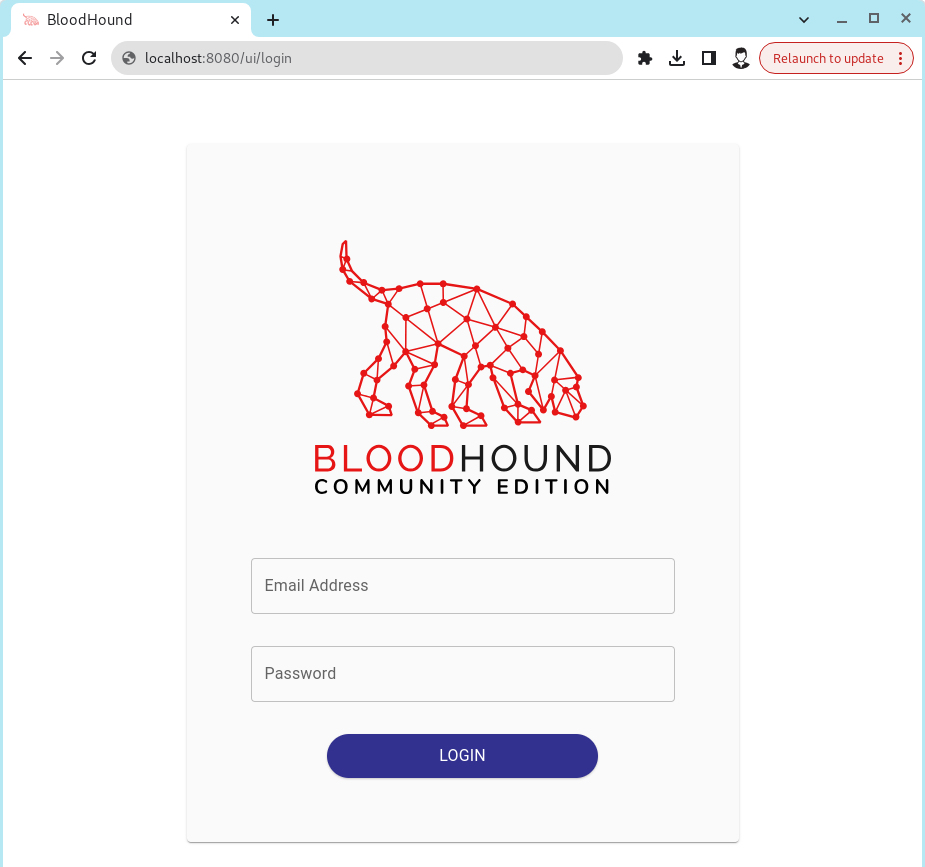
Ingestor
For the ingestor, I’ll be using BloodHound.py. In practice, there are several ingestor options available, such as SharpHound.ps1 (which can be executed via Windows PowerShell), as well as other alternatives.
Next, we can simply get BloodHound.py from its repository and install it using pip.
git clone --branch bloodhound-ce https://github.com/dirkjanm/BloodHound.py.git
cd BloodHound.py
python3 -m pip install .
Once everything is installed, we can start the enumeration process using the command below. This command is adjustable, so make sure to tailor it to your machine and environment.
python3 bloodhound.py -d <DOMAIN> -c All -u '<DOMAIN_USER>' -p '<PASSWORD>' -ns <DC_IP> --zip
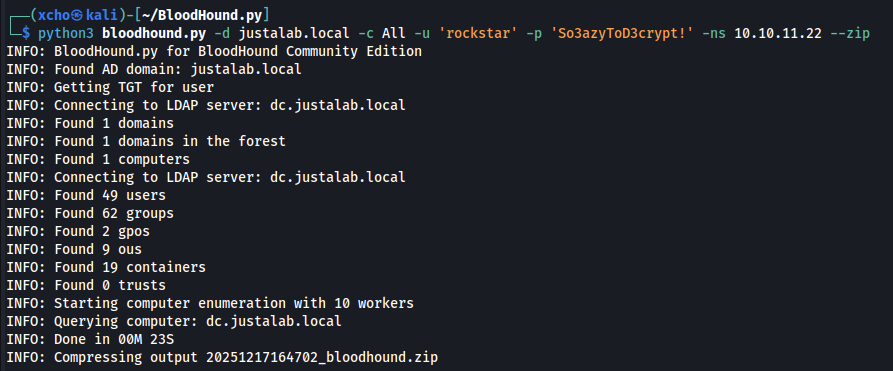
After successfully running the ingestor, the output will be a .zip file, which can then be uploaded into BloodHound for attack path mapping.
To upload the .zip file, since the BloodHound UI changes frequently, it’s easier to go directly to http://localhost:8080/ui/administration/file-ingest and upload the file from that page.
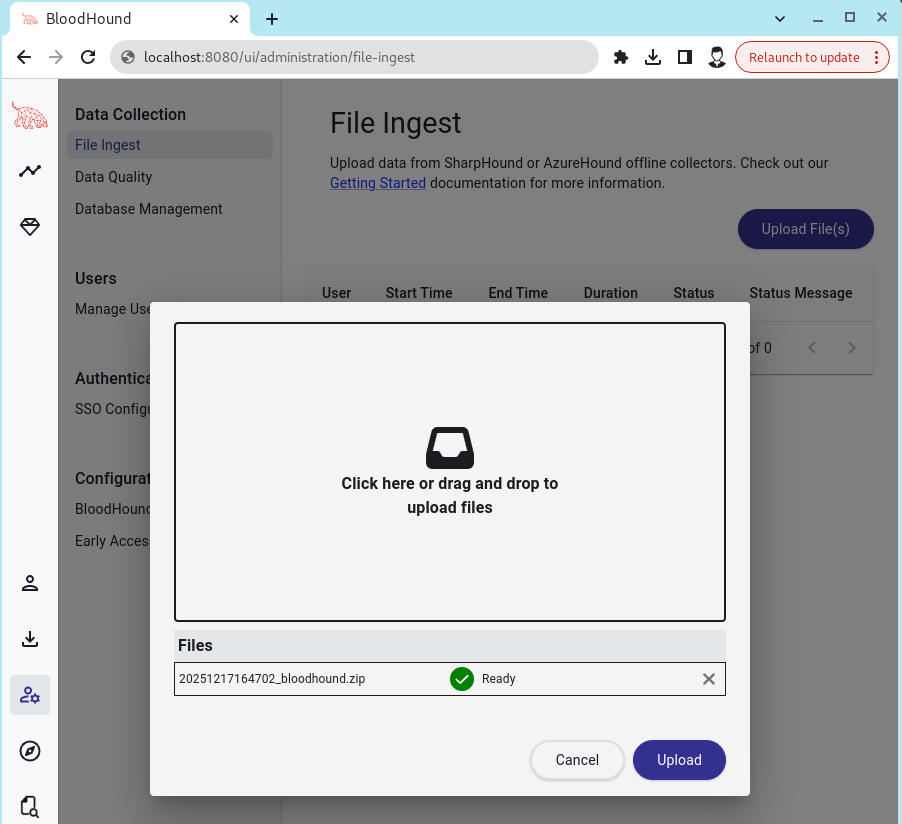
Once the data is successfully uploaded, BloodHound will process it and make the visualization available.
What’s an interesting feature in BloodHound that’s rarely used?
Most users tend to rely heavily on the Pathfinding feature, usually performing simple two-way searches from user A to user B. While this works, it only scratches the surface.
What I personally find more powerful is Cypher queries. With Cypher, we can explore attack paths from a much broader perspective while keeping the queries simple and flexible. It allows us to see relationships and escalation paths that are easy to miss when relying solely on straight pathfinding.

Closing
By now, it’s clear that manual enumeration doesn’t scale well. BloodHound fills that gap by allowing red teamers to quickly identify and visualize attack paths in Active Directory during real-world penetration testing.


Comments